The modding community are some of the most dedicated and passionate fans of games, creating free mods for players to download and install to try out new or existed but improved content. Larian’sDungeons and Dragonsthemed RPGBaldur’s Gate 3is no different, with an active and thriving modding community.
RELATED:The Best Baldur’s Gate 3 Mods
Along with cosmetic mods such as more customization options, new and improved weapons and spells, there are also mods to help improve the UI. Though the user interface ofBaldur’s Gate 3is pretty intuitive already, there is always room for improvement, and the modding community agreed.
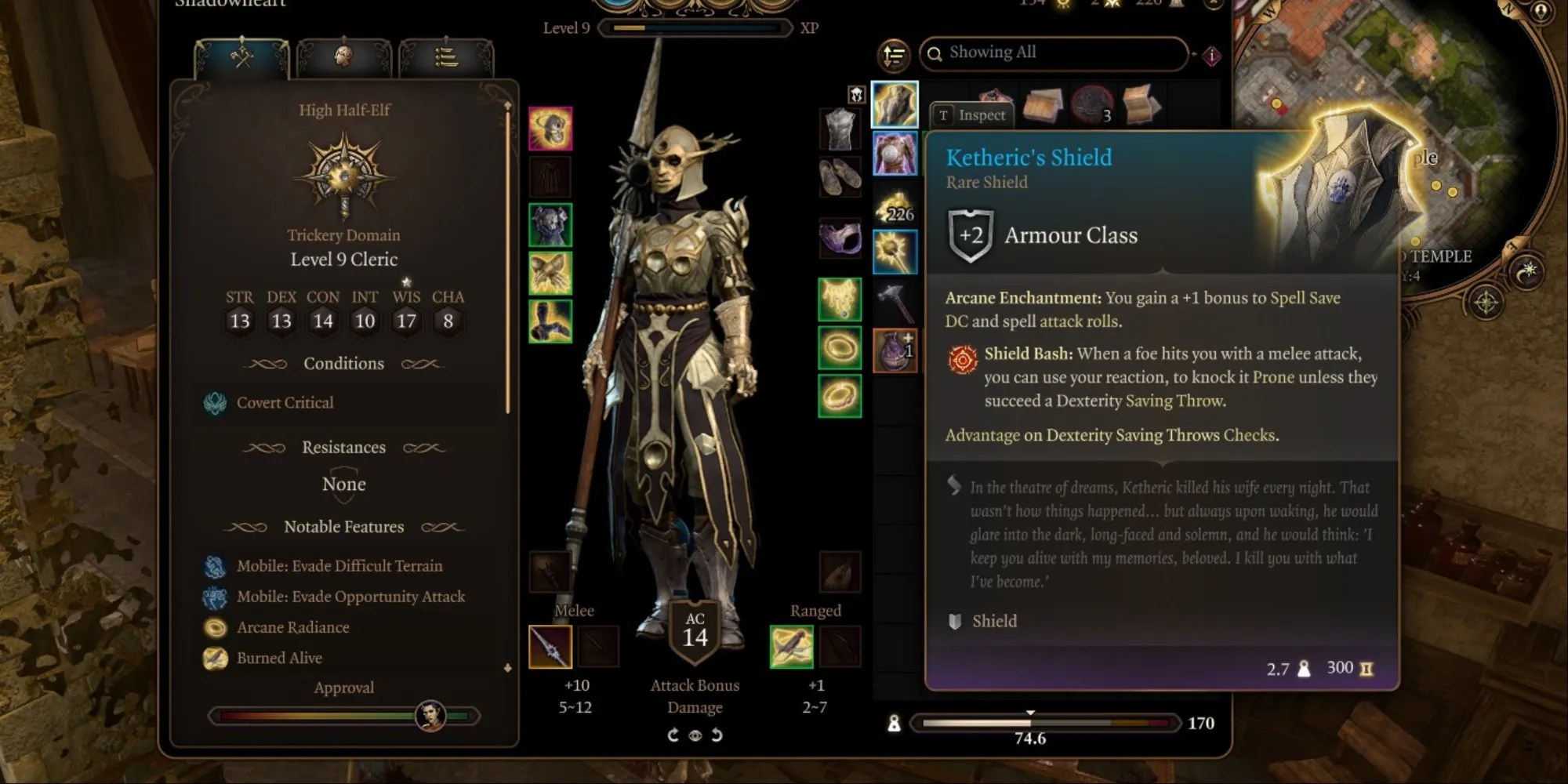
9Improved UI
Though the game is polished and loving care has been put into all aspects of the game, there is always room for improvement, and this is where theImproved UI modcomes into play, givingBaldur’s Gate 3a minor face-lift.
This is nothing to do with thequality of the graphics, but instead removes in-game warnings and adds some small improvements regarding character creation. This mod allows players to actually edit the origin character appearances and all manner of tweaks to character creation to overall streamline the experience.
8Highlight Everything
In a game likeBaldur’s Gate 3, there is no shortage of items to loot, stashed away in mounds of earth, chests, crates or boxes. It’s impossible to discern if anything of value is in these places, or to even find every lootable item in the game. By holding the left alt button, players will be shown items they can find in the world, but there may be things they are missing out on.
But, with theHighlight Everything modinstalled players can rest easy they won’t be missing out on anything. Along with lootable items, this UI mod will highlight all intractable objects to the player. Now they can travel ahead without any FOMO.

7Better Hotbar
The hotbar is an essential part ofBaldur’s Gate 3. This is where players will find spells, attacks, and other actions they can make during combat such as disengaging or hiding (or these may be bonus actions for rogues). But players might note it is rather small, and as they level up the might find it a littletoo cramped to hold everything they have available.
Installing theBetter Hotbar modsolves this issue, by doing exactly what it claims to. This mod increases the number of rows and columns on the hotbar and adds one additional slot category, allowing for a more spacious hotbar. Not only will this be easier in the eyes of players, it will also improve the user experience in this regard.

6Slightly Better Map UI
Part of the RPG player experience is constantly checking the in-game map to navigate through the world, see which areas still need exploring, or check the specific location of a particular quest. Players ofBG3probably have the habit of pulling the map up to plot their next question or location, but there is still the possibility they might miss out on things, as this game isfull of contentplayers might walk right on by without even realizing.
RELATED:Baldur’s Gate 3: How To Place Map Markers
But theSlight Better Map UI modis here to help. This mod targets both the main world map and the mini map to make some minor adjustments for the sake of improvement. And with new targets added to the map, players can easily track down NPCs, so players can rest easy they won’t miss a thing.
5Cute Dice Collection
As the game is based onD&D, dice play a huge part in it, almost as much as the TTRPG itself. Attack rolls, checks, ability skills…all require a die roll, with the characters ability scores adding or subtracting to the total rolled. Any who playD&Dknow how special die sets are, coming inan array of pretty colors and designs.
Now, players can have equally pretty dice in-game with theCute Dice Collection mod. This particular dice mod adds a selection of solid pastel-colored dice such as baby pink or mint, as well as translucent sets with gold decals. With this mod installed, players can roll with style.

4Easier Text
Throughout the course of the game, players will read a lot of text, from descriptions of backgrounds and items, to quests and updates, or even papers they gather scatted the in the in-game world. Larian employed the Quadraat Pro font for their game, which in some cases can be difficult to read with small text overall, and not much letter spacing. For people with limited vision or dyslexia, this could make text difficult to read.
One modder saw this issue, and decided to offer a small fix in the form ofEasier Text mod. This mod changes the font to one that is easier to read, and offers more letter spacing a larger text font,adding some accessibilityto the base game.

3Better Hints and New Loading Screens
Like other titles of the genre,BG3offers hints while players are loading in, giving them something useful to read while they wait. Other games have done this, such asSkyrimandDragon Age. The tips can vary in usefulness, but most players will see hints that have been regurgitated 1000 times before, or hints that tell them things they were already painfully aware of after sinking 60 hours into the game.
RELATED:Games With Great Load Screens
For players who want to be rid of these annoying hints, and get themselves some sweet new loading screens at the same time, they can download theBetter Hints and Loading Screens mod. This mod not only adds some beautiful loading screen art, but also replaces the hints with quotes or lore fromBaldur’s Gate 2. Now players will have artwork and fun quotes to look at as they wait to load into the game.
2BG3 Camera Mod
Baldur’s Gate 3is undeniably a beautiful game with a lot of breadth to the world. Players will truly feel immersed in the fantasy world of Faerun, with plenty to admire in the scenery. Frustratingly, there are some restrictions the camera that deny players from truly seeing the scope of the world, locking them into cutscenes, and not allowing them to angle the camera in certain ways.
But now, there is theBG3 Camera Mod, that allows for much more freedom when maneuvering it around the world. Now players can zoom out more, and pitch the camera up and down, allowing them to nail those angles in order to capture the perfect screenshot.

1Bags of Sorting
Players ofBG3are likely guilty of the exact same thing–picking up every single item they find and hoarding it in their inventory. After all, you never know, those sets ofTongsmight come in handy some day. Players with well-stocked inventories will know what a task it is tokeep it all organized, and there is little worse in this world than an unorganized inventory.
This is where theBags of Sorting modcomes into play, which allows players to generate custom bags to sort their inventory into categories. This makes organizing all the easier, and cleans up messy inventories. Sure, players could cut down on their looting, but they might never know if they will need all those plates and silverware.


